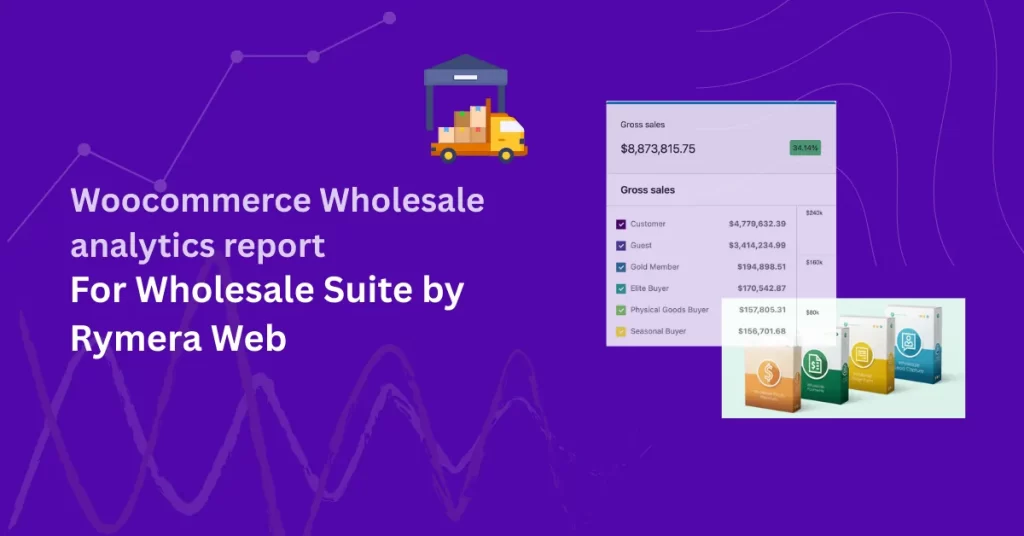
Wholesale Suite is a powerfull wholesale solution for WooCommerce. It combines four powerful plugins that work together to give store owners full control over wholesale pricing, ordering, payments, and customer management. At the core of Wholesale Suite is the use of User Roles to segment wholesale customers.
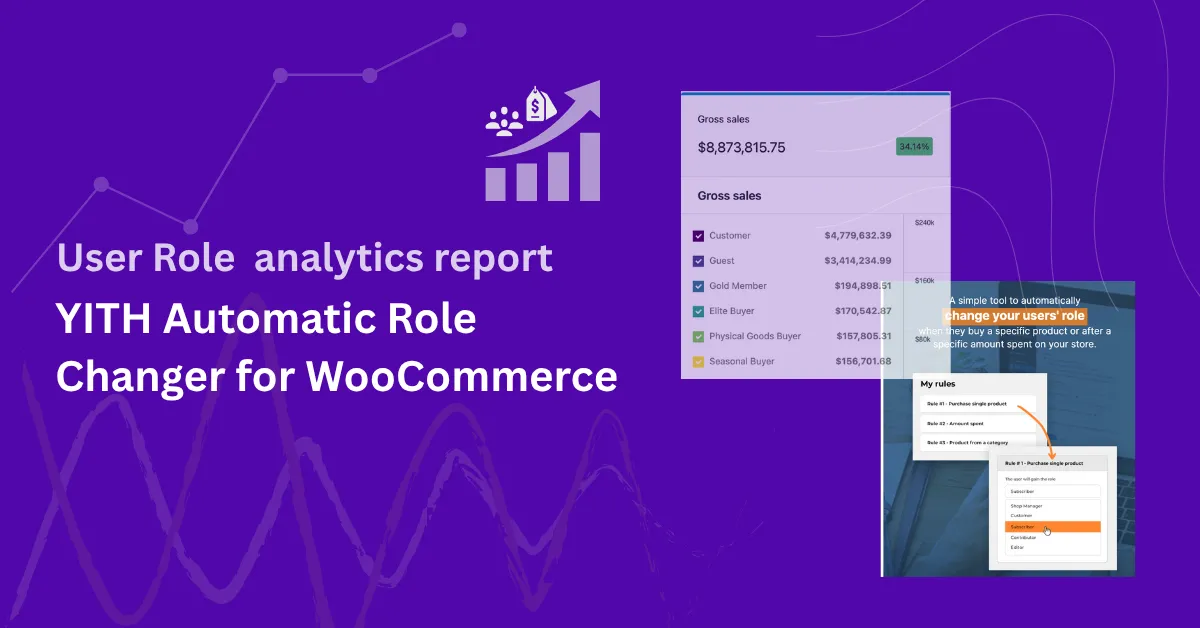
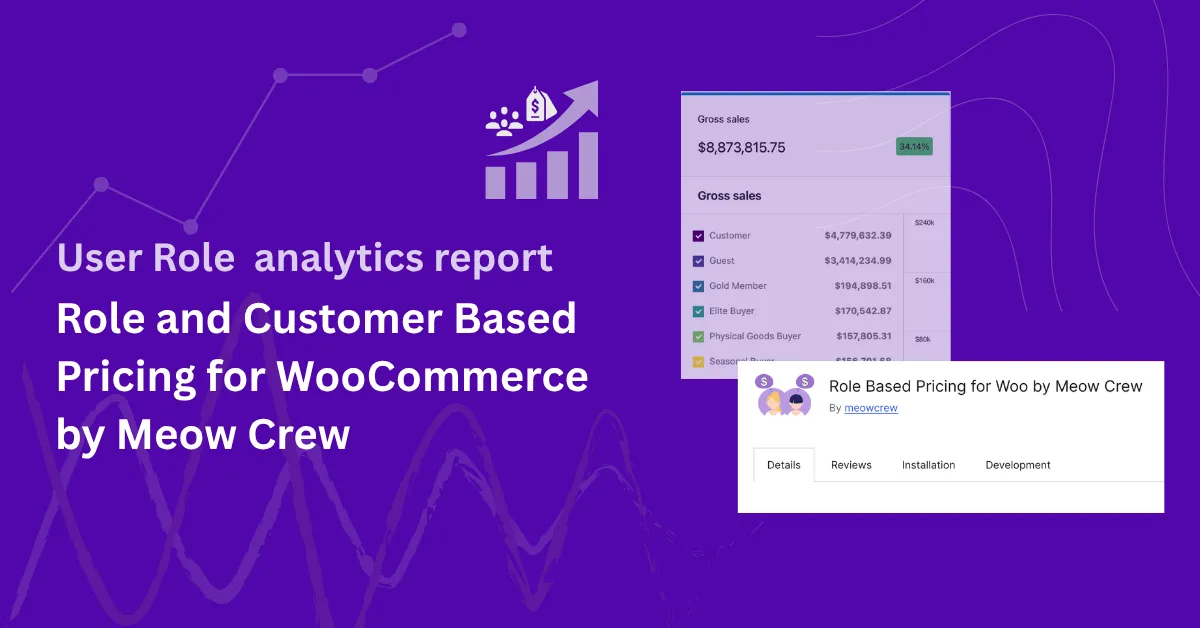
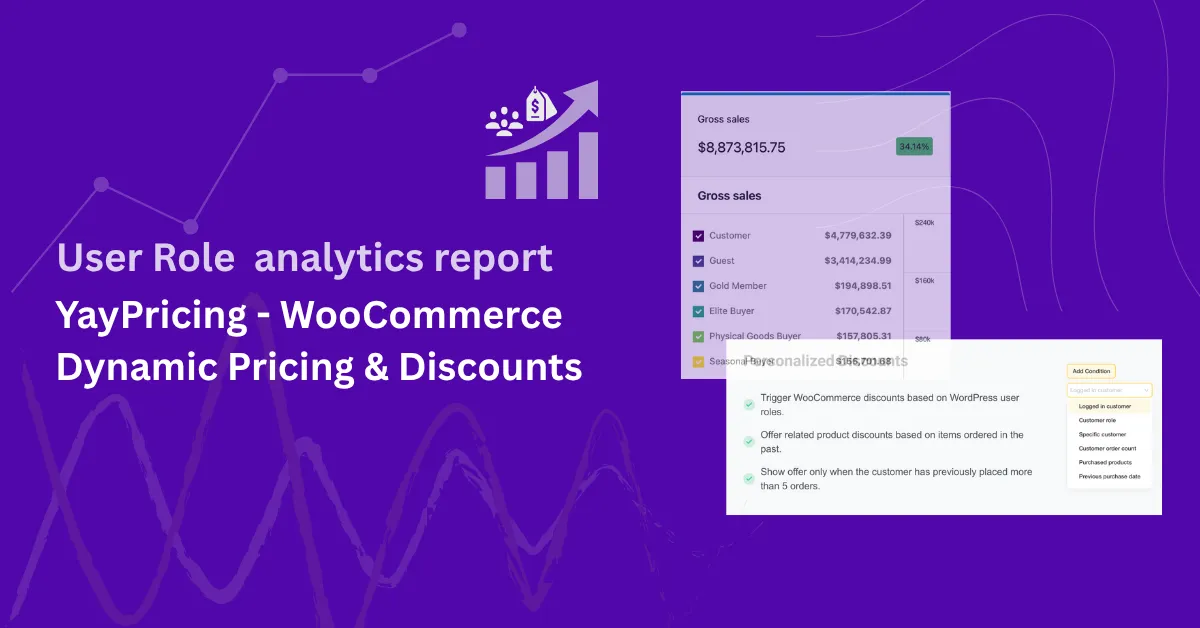
With Role-Based Analytics for WooCommerce, you can extend this setup to include advanced reporting. Wholesale User Roles created and managed by Wholesale Suite appear directly inside WooCommerce Analytics, giving you complete visibility into how each wholesale group performs.
Note: This article focuses on the integration between Wholesale Suite plugin and Role-Based Analytics for WooCommerce extention. However, Role-Based Analytics is designed to work with any plugin or extension that uses WordPress user roles — including membership, wholesale, and user-group-based solutions. If a plugin assigns roles to customers, those roles will automatically appear in your analytics reports.
Prerequisite: You must first purchase and activate Role-Based Analytics for WooCommerce (e.g. via WooCommerce.com) to enable these analytics features.
The Four Plugins in Wholesale Suite
- Wholesale Prices Premium
- Add wholesale pricing to products based on User Roles.
- Control tax exemptions, shipping rules, and catalog visibility per User Role.
- Wholesale Payments
- Offer invoicing and flexible payment terms to wholesale customers.
- Manage payments securely, integrated with WooCommerce.
- Wholesale Order Form
- Provide a fast, one-page ordering experience optimized for wholesale buyers.
- Streamlined interface for bulk ordering.
- Wholesale Lead Capture
- Wholesale registration, login, and approval workflow.
- Auto-assigns wholesale customers to specific User Roles upon approval.
Wholesale User Roles in Action
Each of these plugins is built around User Roles. For example:
- Wholesale Prices Premium assigns pricing rules to roles like Wholesale Customer or Tier 1 Distributor.
- Wholesale Lead Capture automatically assigns new signups to specific wholesale User Roles.
- Wholesale Order Form and Wholesale Payments work seamlessly for customers under those roles.
This structure means your wholesale business is already segmented by User Role. The next step is to measure performance for each role.
How Role-Based Analytics Extends Wholesale Suite for sales report
Role-Based Analytics for WooCommerce automatically recognizes all wholesale User Roles created with Wholesale Suite. It adds new reporting and filtering options to WooCommerce Analytics:
- User Roles Report Page
- Filter by date range.
- View single or multiple User Roles.
- Compare wholesale User Roles side by side.
- Access charts, performance cards, and detailed tables with metrics such as Orders, Gross Sales, Net Sales, and Average Order Value.
- User Role Filters in Existing Analytics Pages
- Orders
- Products
- Categories
- Coupons
- Downloads
- Wholesale Role Leaderboard
- View the top-performing wholesale User Roles directly from the Analytics Overview page.
- CSV Export Support
- Export User Role–based reports for further analysis in Excel, Google Sheets, or ERP tools.
Both plugins are built on top of WordPress’s native user role system. This shared foundation ensures seamless compatibility. There’s no need for manual configuration — they work together out of the box.
Example in Action
📖 You can also see How to Filter WooCommerce Sales Reports by User Roles: The Complete Step-by-Step Guide.
Suppose you’ve set up the following User Roles with Wholesale Suite:
- Wholesale Customer
- Tier 1 Wholesale
- Distributor
After activating Role-Based Analytics for WooCommerce:
- These User Roles appear in the User Roles Analytics report page.
- You can see the total orders, gross sales, net sales, and average order value (AOV) for each role.
- You can compare Wholesale Customer against Distributor to identify which segment drives the highest revenue.
Even if you only have one wholesale User Role, you’ll still benefit from reporting. Role-Based Analytics automatically includes:
- Wholesale Group (your defined wholesale User Role)
- Guest (unregistered customers)
- Default WooCommerce Customers (registered users not assigned to a wholesale group)
This means you always get a full sales breakdown across your wholesale group, retail customers, and guests — no matter how many wholesale User Roles you’ve set up.
Benefits of Wholesale Role Analytics
- 📊 Segmented Reporting — Measure performance for each wholesale User Role.
- 🔍 Strategic Insights — See which wholesale groups buy more often or spend more.
- 📈 Optimized Decisions — Adjust pricing tiers, promotions, or product focus based on data.
- 📤 Shareable Data — Export CSV reports to share with sales teams or management.
Conclusion
Wholesale Suite gives you complete control over wholesale pricing, customer management, payments, and ordering, all powered by User Roles. By adding Role-Based Analytics for WooCommerce, you turn those User Roles into powerful reporting segments inside WooCommerce Analytics.
Together, they provide a complete wholesale solution:
- Manage wholesale customers with User Roles
- Control their pricing, ordering, and payments
- Analyze performance per role to grow your business strategically
Get Role-Based Analytics for WooCommerce and unlock wholesale reporting today.
Frequently Asked Questions
Yes. All roles created or assigned through Wholesale Suite will appear in Role-Based Analytics.
Yes. The report page allows both single-role and multi-role comparisons.
Orders, Products, Categories, Coupons, Downloads, plus the dedicated User Roles report page.
Yes. CSV export is supported for both the User Roles report and filtered WooCommerce Analytics pages.